Drape guides
Guides to screenshots that look good and stay private
How-tos from the team that makes Drape, a free screenshot beautifier that runs in your phone’s browser. Where another way of doing it is better, we say so.
 Privacy · 6 min read
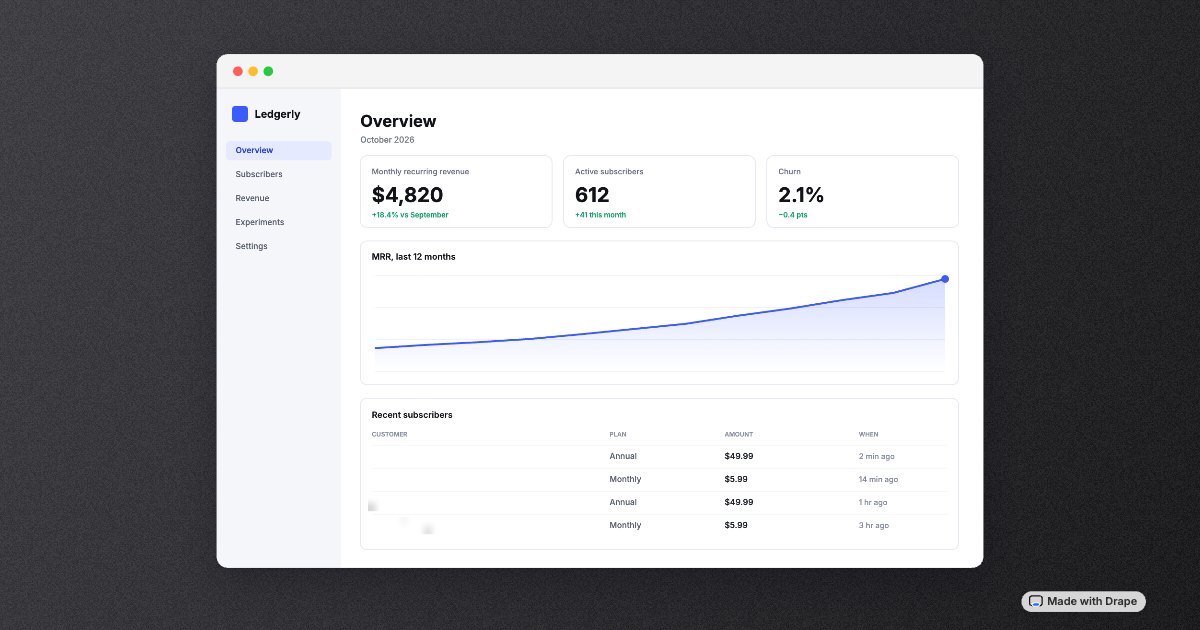
How to blur private information in a screenshot before you post it
How to blur private info in a screenshot safely: which methods can be reversed, why pixelation and cropping have leaked, and a checklist before you post.
 How to · 6 min read
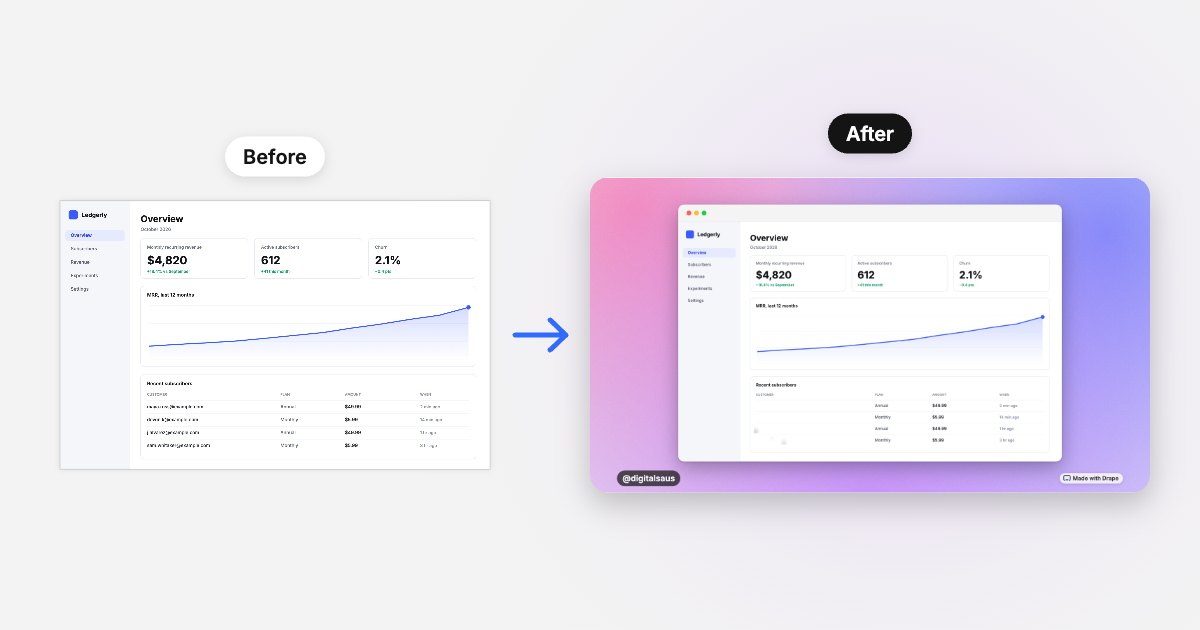
How to make screenshots look good for X and LinkedIn
How to make screenshots look good on X and LinkedIn: crop, padding, a matching background, rounded corners, a soft shadow and the right shape per post.
Ask AI about Drape
Opens your assistant with a question about Drape, answered from this site.
Make your next screenshot post-ready.
Drape is free and runs in your phone’s browser: a matching background, a frame, blur for the private bits and your handle, then Copy image. No account, and nothing is uploaded.
Open Drape