How-to · 8 min read
YouTube thumbnail size in 2026: dimensions, limits and safe zones
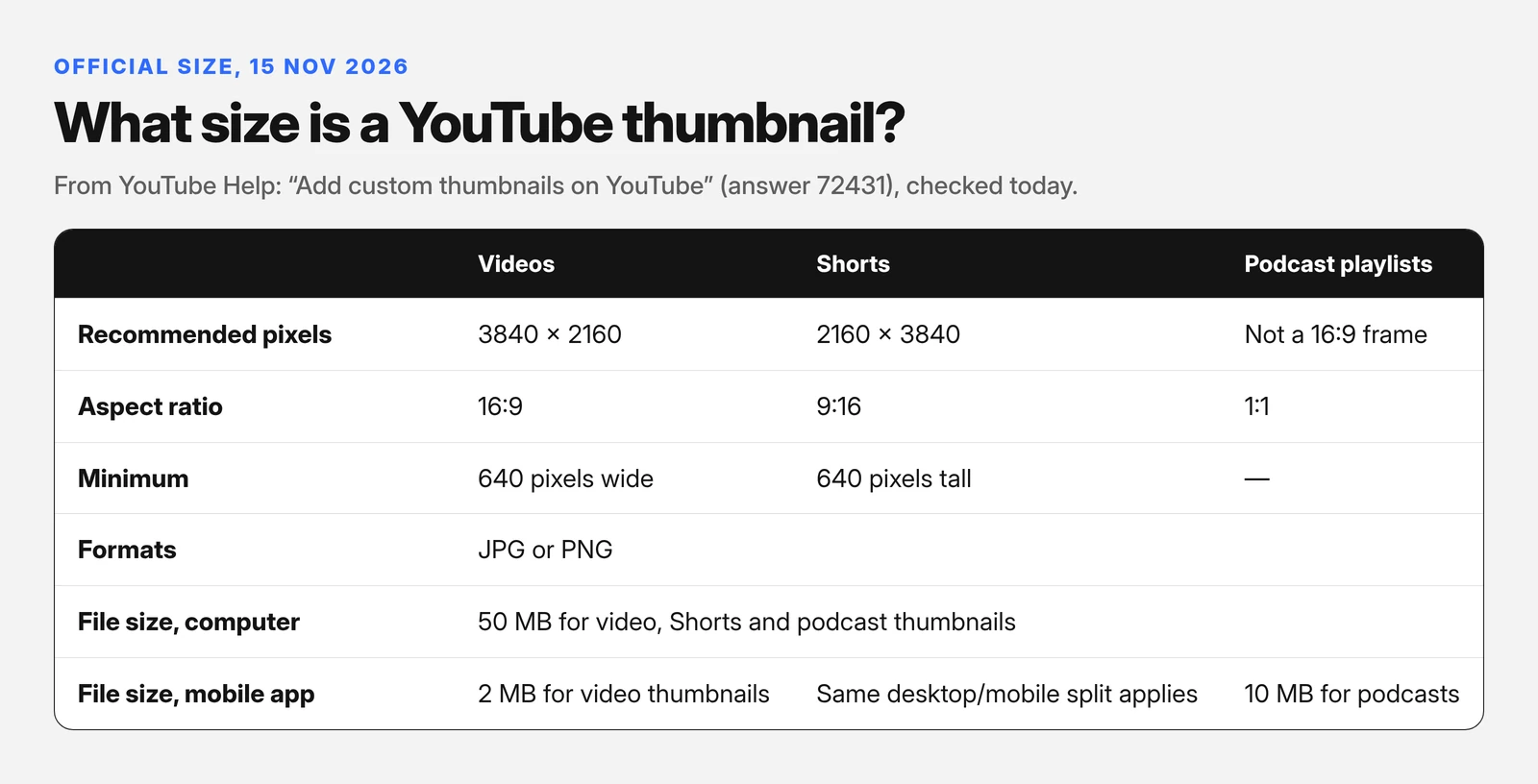
The short answer: as of 15 November 2026, YouTube recommends a custom video thumbnail of 3840 × 2160 pixels, 16:9, as a JPG or PNG, at least 640 pixels wide. From a computer the file can be up to 50 MB; from the YouTube mobile app, video thumbnails are limited to 2 MB. 1280 × 720 still works, because it is 16:9 and above the minimum, but it is no longer the size YouTube recommends.
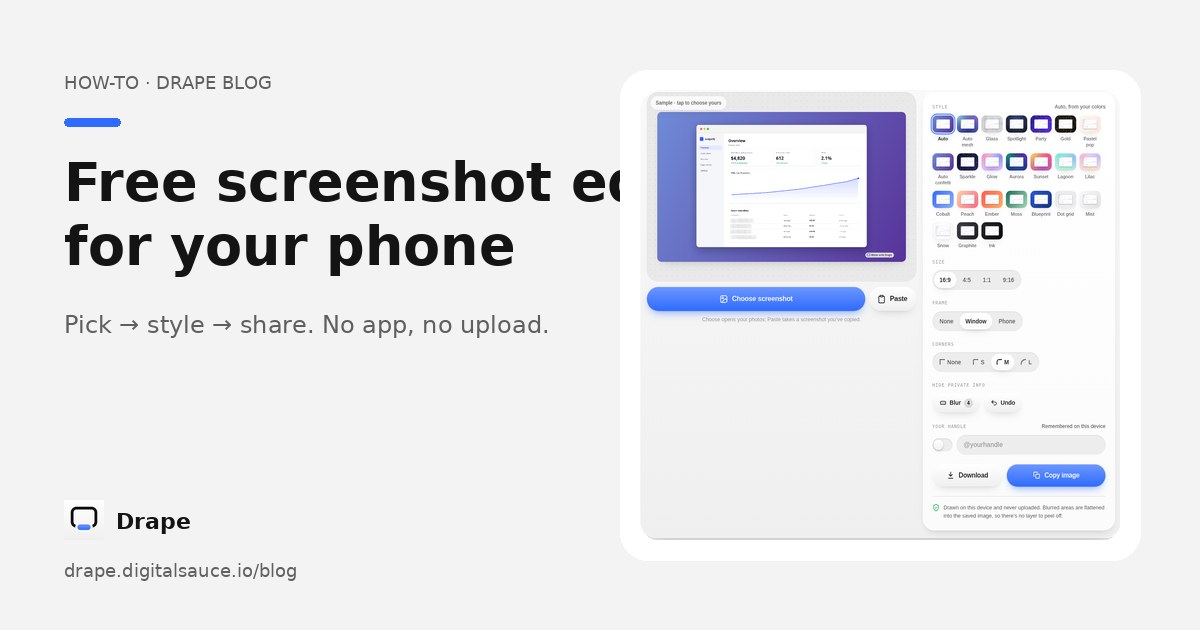
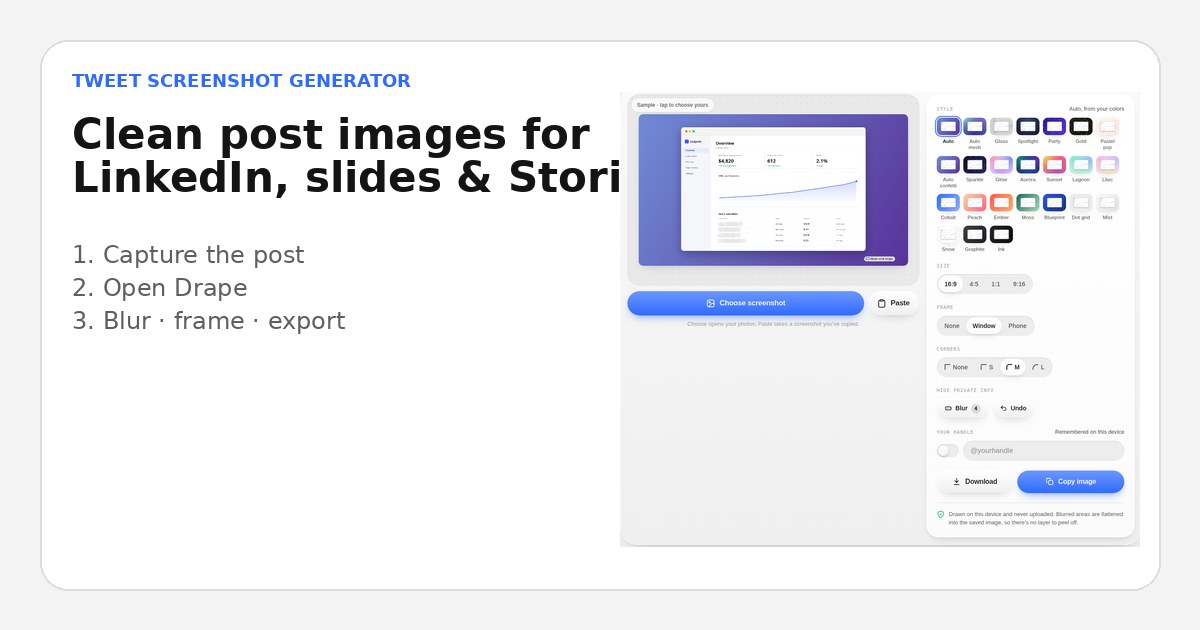
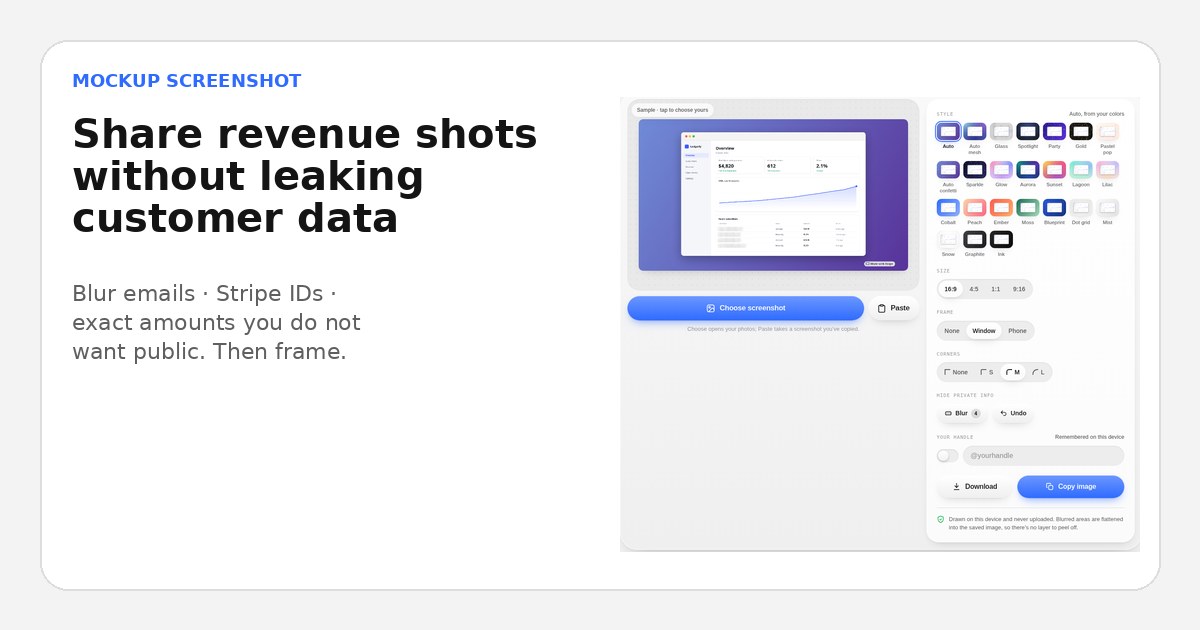
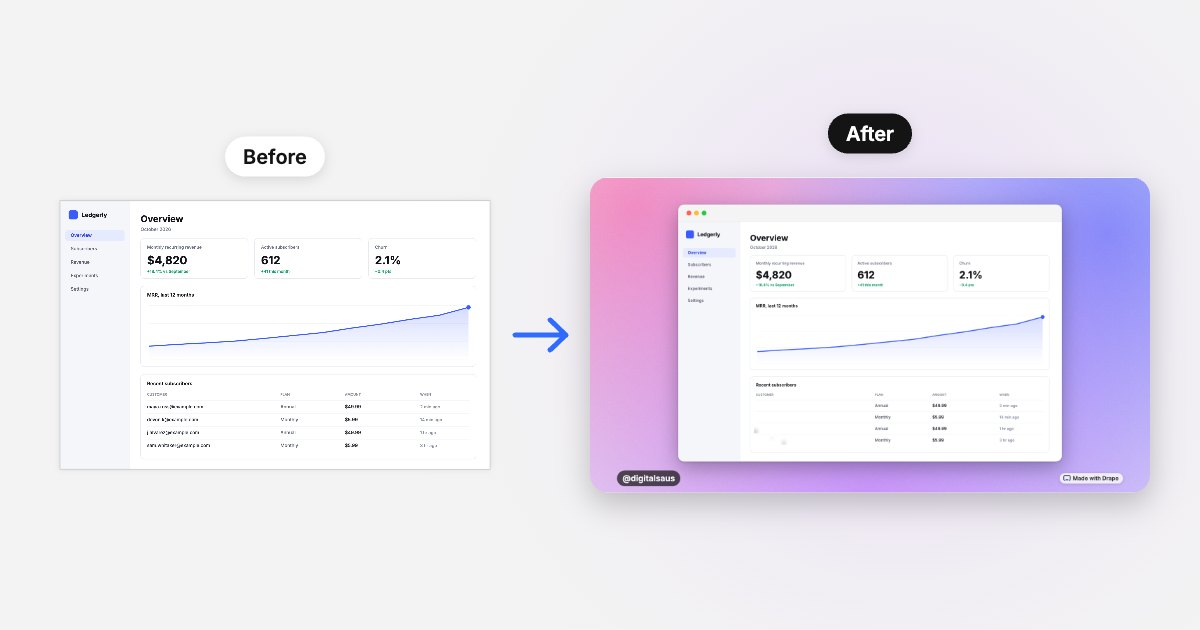
I built Drape, a free screenshot beautifier that runs in your browser. It is not a thumbnail maker. What it can do is turn a raw app or code screenshot into a clean 16:9 image (1600 × 900) you can build the real thumbnail on. Nothing is uploaded, and there is no account.
- Recommended size: 3840 × 2160 (16:9) for videos; 2160 × 3840 (9:16) for Shorts. Minimum width 640 px (videos) or height 640 px (Shorts).
- Formats: JPG or PNG. 50 MB from a computer; 2 MB for video thumbnails in the mobile app; 10 MB for podcast thumbnails from mobile.
- Safe zones: YouTube does not publish official measurements. Keep important text away from the bottom-right duration stamp and the bottom edge.
- Screenshots: frame them at 16:9 in Drape, then place that export on a 3840 × 2160 canvas before you upload.
What size is a YouTube thumbnail?
YouTube’s current recommendation for a custom video thumbnail is 3840 × 2160 pixels, with a minimum width of 640 pixels. The help page says the image should be as large as possible, because it is also used as the preview in the embedded player.
1280 × 720 was the size everyone remembered for years, and it is still valid: it is 16:9 and wider than 640 pixels. It is just no longer the recommended upload size. If you see older posts still quoting 1280 × 720 as “the” YouTube thumbnail size, they are out of date against the Help article checked today.
You can only upload your own thumbnail if the account is verified. YouTube lists custom thumbnails as an intermediate feature unlocked by phone verification. Check YouTube Studio > Settings > Channel > Feature eligibility if the upload button is missing. Limits can also vary by country, region or channel history, and Community Guidelines or copyright strikes can restrict the feature.
What aspect ratio should a YouTube thumbnail be?
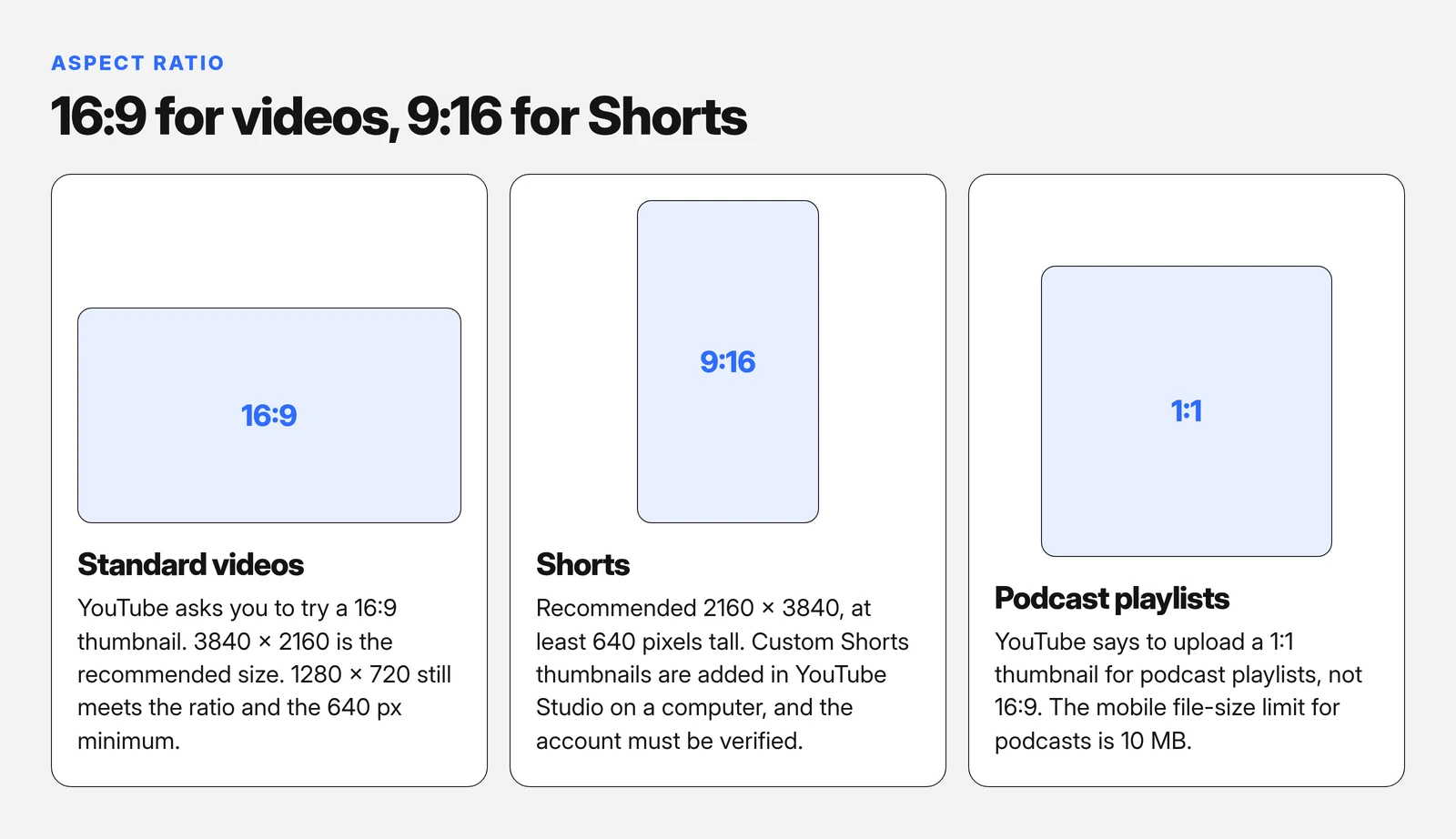
16:9 for standard videos, 9:16 for Shorts, and 1:1 for podcast playlists. YouTube’s help page states those ratios explicitly.
For Shorts the recommended resolution is 2160 × 3840, with a minimum height of 640 pixels. Custom Shorts thumbnails are added in YouTube Studio on a computer, and the account must be verified (same help article, checked 15 November 2026).
One extra wrinkle, also from that page: if you upload a 16:9 custom thumbnail on a vertical video, YouTube may replace it with an auto-generated 4:5 thumbnail on the home, explore and subscription pages. Your custom 16:9 image can still appear on the watch feed, watch history and non-mobile platforms. If you are making a Short, start with 9:16 rather than hoping a landscape thumbnail will travel everywhere.
What are the file size and format limits?
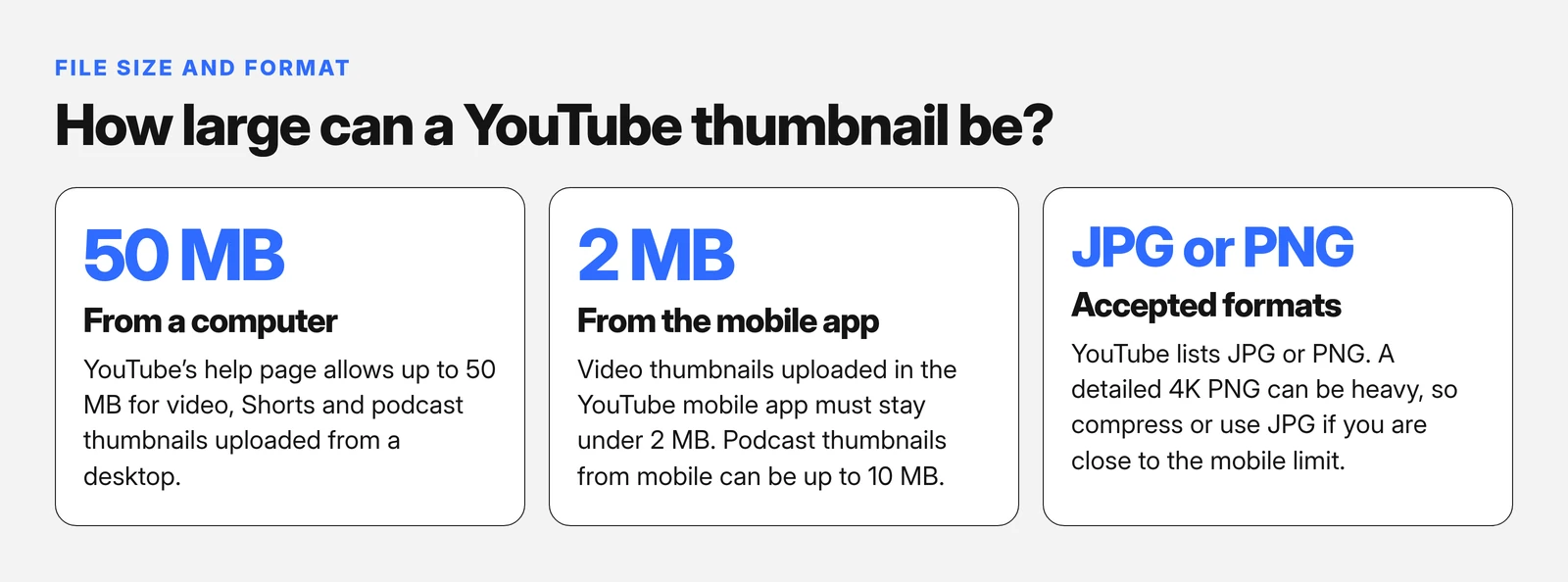
JPG or PNG, under the megabyte limit for the device you upload from. YouTube’s help page (checked 15 November 2026) gives these caps:
- Computer: 50 MB for video, Shorts and podcast thumbnails.
- Mobile app: 2 MB for video thumbnails, or 10 MB for podcasts.
A detailed 4K PNG can be several megabytes. That is fine from a computer and tight from a phone. If the mobile app refuses the file, compress it, export a high-quality JPG, or upload from a computer.
Where should you keep text so it isn’t covered?
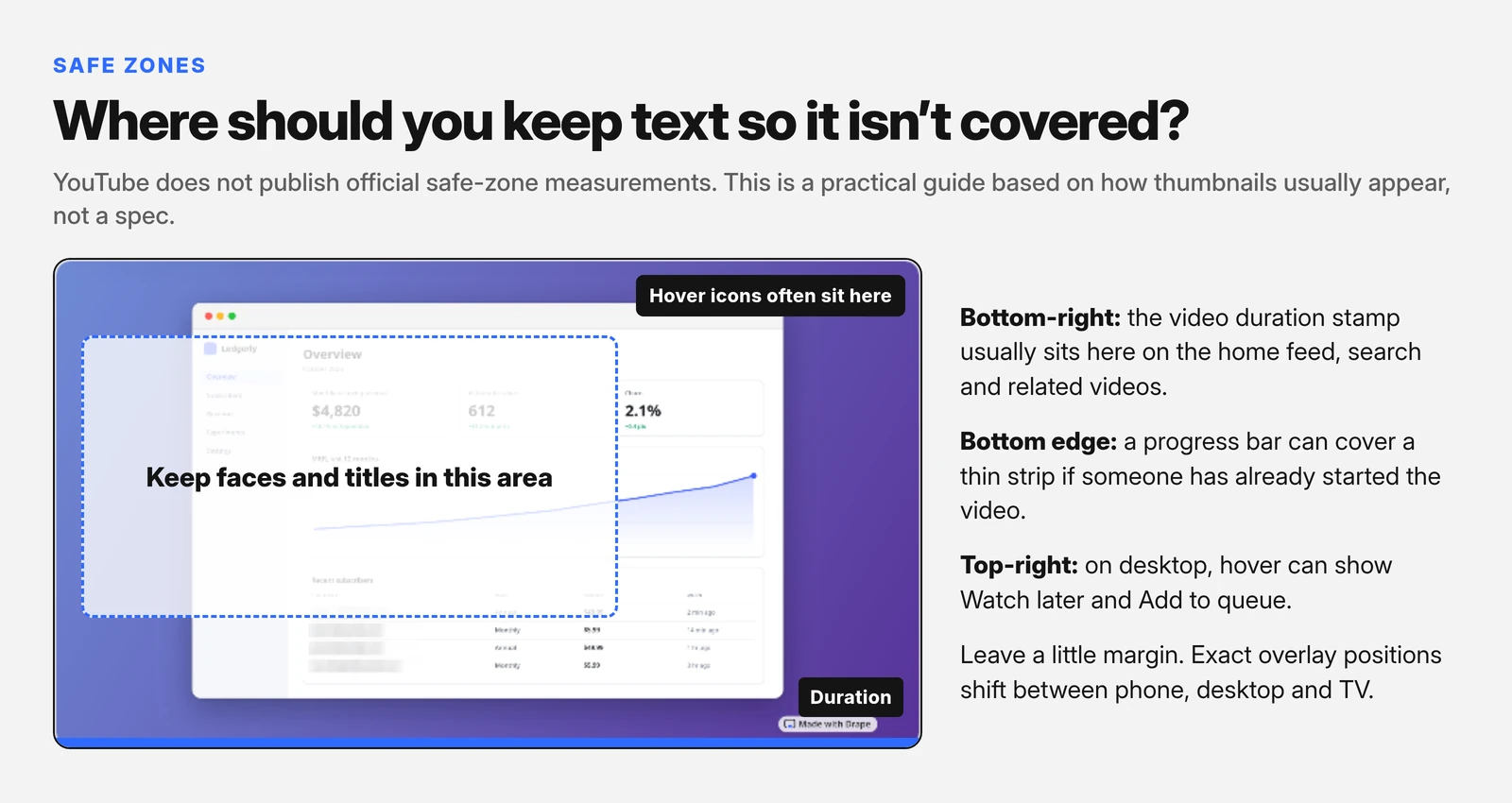
YouTube does not publish official thumbnail safe-zone measurements. In practice, keep important titles, faces and logos out of the corners and edges that the interface usually covers.
On the home feed, search and related videos, a duration stamp typically sits in the bottom-right corner. If someone has already started the video, a thin progress bar can run along the bottom edge. On desktop, hover can show Watch later and Add to queue in the top-right. Those positions shift a little between phone, desktop and TV, so leave a margin rather than parking a word against the edge.
A simple rule that holds up: put the short title and the main subject in the left two-thirds and the upper part of the frame, and treat the bottom-right as borrowed space. Make the type large enough to read at search-result size. Tiny UI labels from a raw screenshot will not survive.
How do you make a screenshot work as a thumbnail?
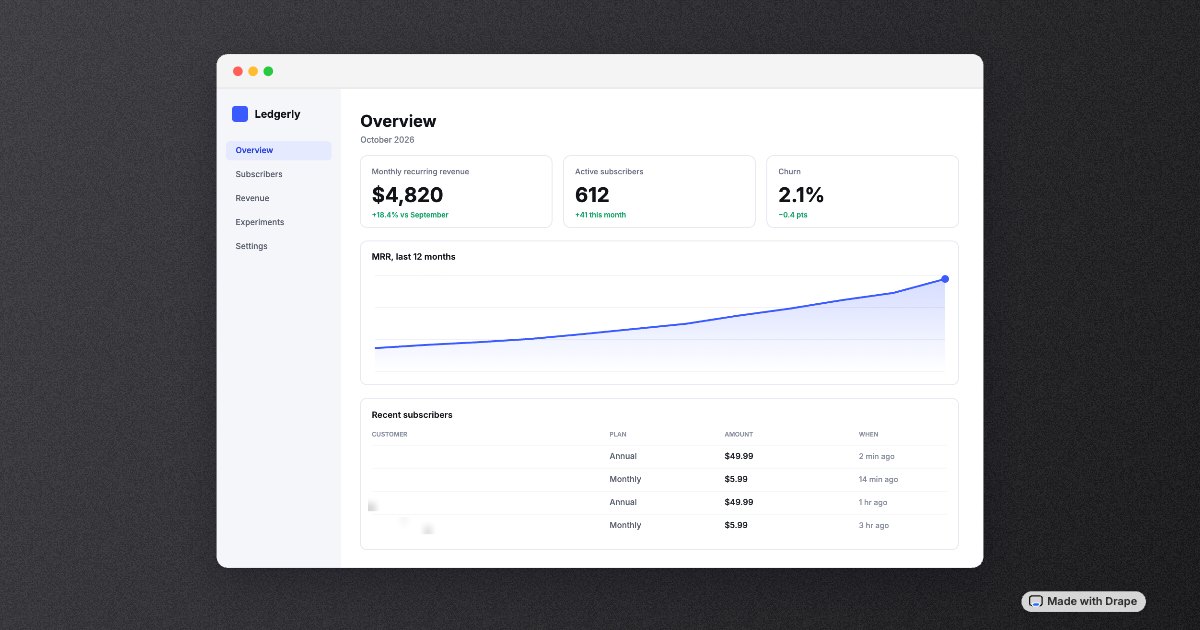
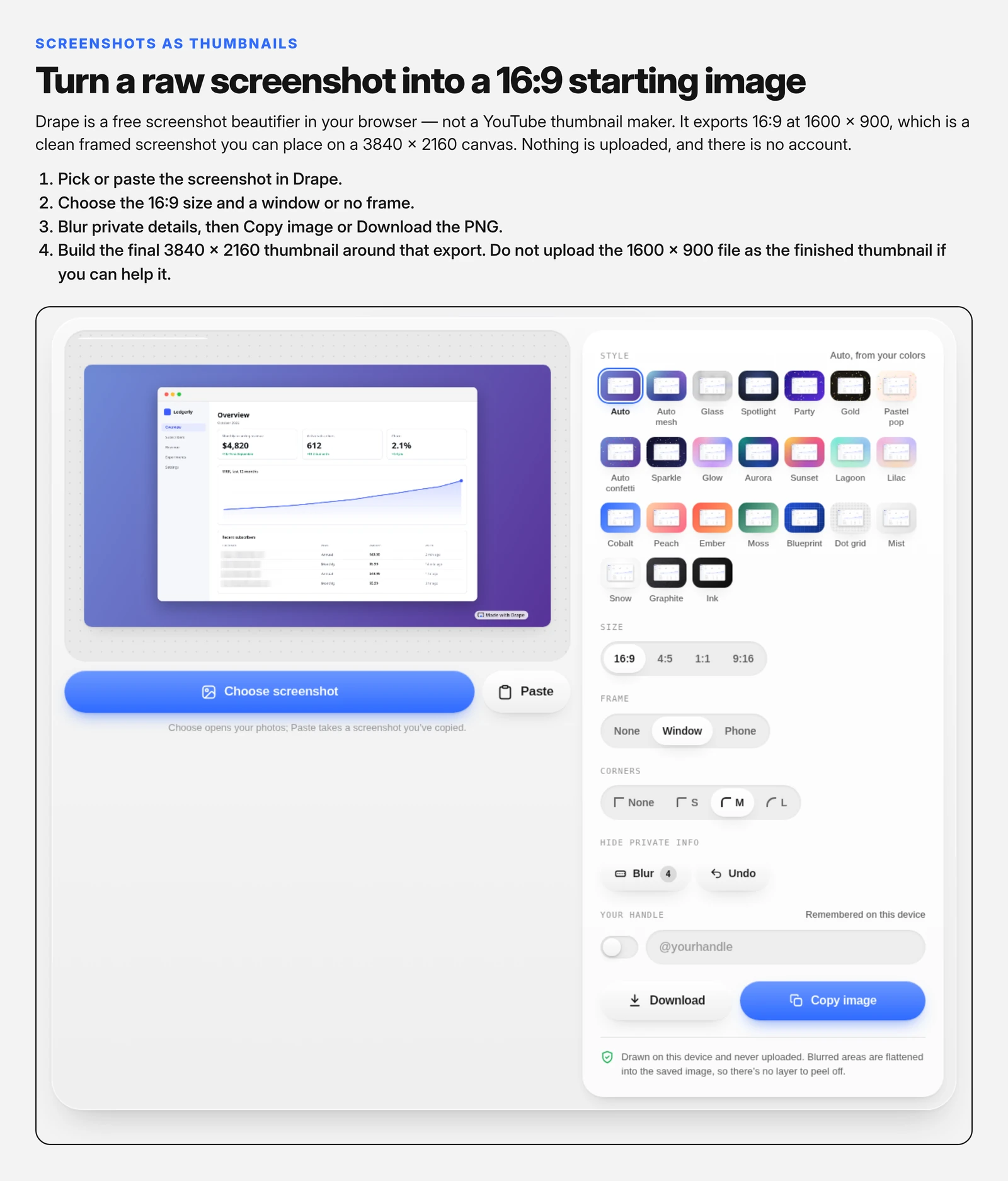
A raw screenshot is usually the wrong ratio, full of tiny type, and sometimes full of emails or numbers you should not publish. Give it a 16:9 canvas, padding, and a frame, then add a short, large title in a tool that is actually meant for typography.
Drape can do the first part in your browser, including on a phone. Pick or paste the screenshot, choose the 16:9 size (1600 × 900), pick a window frame or none, blur anything private, and copy or download the PNG. Nothing leaves your device, and there is no account. Drape also exports 4:5 (1200 × 1500), 1:1 (1400 × 1400) and 9:16 (1080 × 1920), which is useful for other posts, and 9:16 is closer to a Shorts thumbnail — still smaller than YouTube’s recommended 2160 × 3840.
Be honest about the gap: 1600 × 900 is not 3840 × 2160. Treat the Drape export as the artwork, then place it on a 3840 × 2160 canvas (or scale it carefully) before you upload. Drape is not a YouTube thumbnail maker, and it does not add title text or end screens. If you also need to record the video itself, sister tool Weft is the free browser recorder from the same studio.
Why does my thumbnail look blurry?
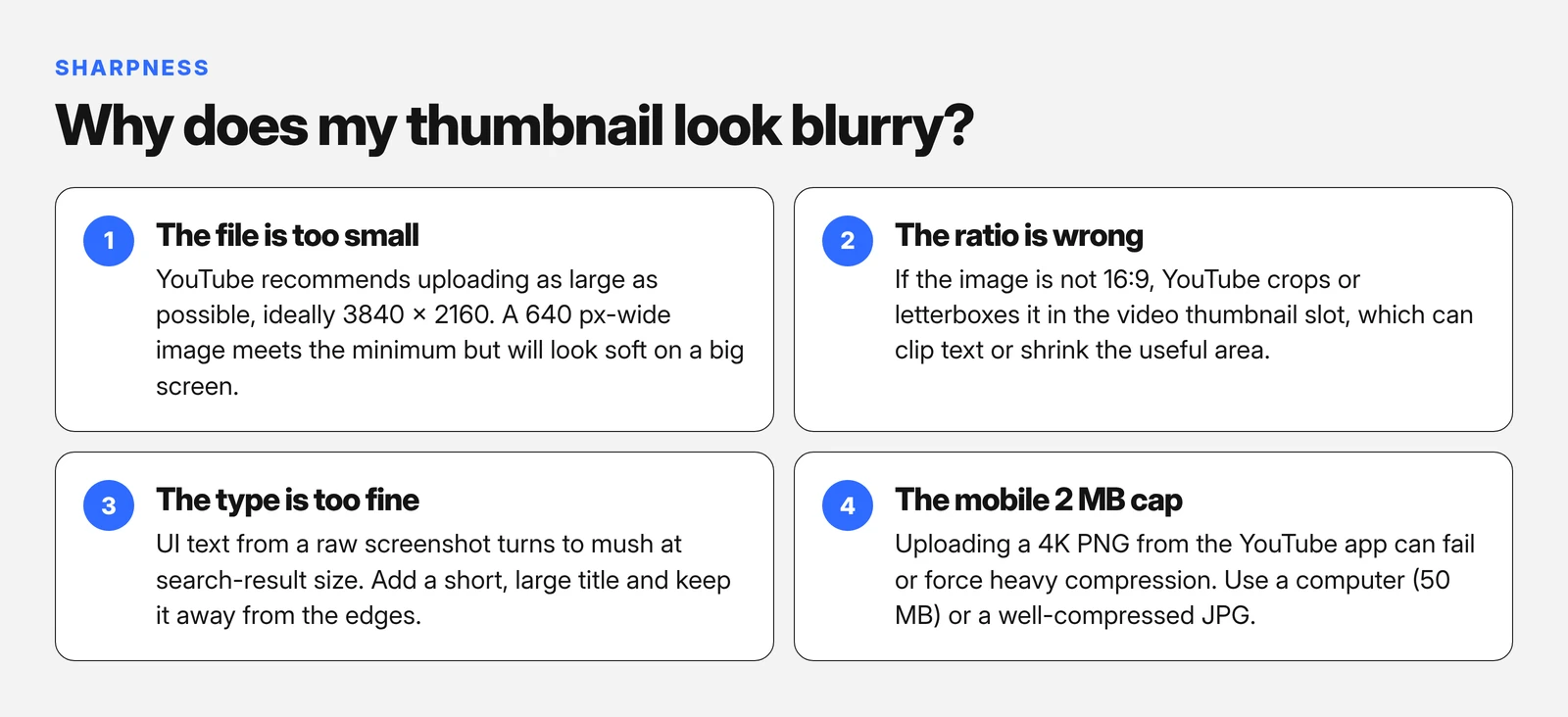
Usually the file is smaller than the screen it is shown on, or the useful part of the image was cropped by the 16:9 slot. YouTube asks you to upload as large as possible, ideally 3840 × 2160. A 640-pixel-wide image meets the minimum and will still look soft on a television or a large monitor.
Other common causes: the image is not 16:9, so YouTube crops or letterboxes it; the only type on the image is fine UI text from a screenshot; or you uploaded a heavy 4K PNG through the mobile app, hit the 2 MB cap, and the file was compressed or rejected. Upload from a computer when you can, and keep any words large and away from the edges.
Got a screenshot you want to build a thumbnail on? Open Drape, export a clean 16:9 PNG, then place it on a 3840 × 2160 canvas. Free, no account, nothing uploaded.
Open DrapeFAQ
Is 1280×720 still the right thumbnail size?
It still meets YouTube’s 16:9 ratio and the 640-pixel minimum width, so it should be accepted. It is no longer the recommended size. YouTube’s help page, checked on 15 November 2026, recommends 3840 × 2160 for video thumbnails.
Can I use a 4K thumbnail?
Yes. 3840 × 2160 is the size YouTube recommends for video thumbnails. From a computer you can upload up to 50 MB. From the YouTube mobile app, video thumbnails must stay under 2 MB, which can be tight for a detailed 4K PNG, so use JPG or upload from a computer.
What size are YouTube Shorts thumbnails?
YouTube recommends 2160 × 3840 pixels, 9:16, with a minimum height of 640 pixels. Custom Shorts thumbnails are added in YouTube Studio on a computer, and your account must be verified (YouTube Help, checked 15 November 2026).
Why can’t I upload a custom thumbnail?
You can upload your own thumbnail only if the account is verified. Custom thumbnails are an intermediate feature unlocked by phone verification. In YouTube Studio, open Settings, Channel, Feature eligibility and check the status. Community Guidelines or copyright strikes, and limits that vary by country or channel history, can also block or restrict the feature.
Does Drape export 16:9 images?
Yes. Drape exports 16:9 at 1600 × 900 as a PNG, plus 4:5, 1:1 and 9:16. That 16:9 file is a good framed screenshot to start a thumbnail from, but it is smaller than YouTube’s recommended 3840 × 2160, so treat it as the artwork, not the final upload size.
- Sources checked 15 November 2026 (Australia/Melbourne): YouTube Help: Add custom thumbnails, YouTube Help: Feature access for creators, Drape, Drape llms.txt.
- Related: Free screenshot editor for your phone · How to make screenshots look good for X and LinkedIn · Tweet screenshot generator · Weft free screen recorder · Drape blog.
Ask AI about this guide
Opens your assistant with a question about this page, answered from it.