Privacy · 5 min read
How do you share a mockup screenshot of revenue without leaking customer data?
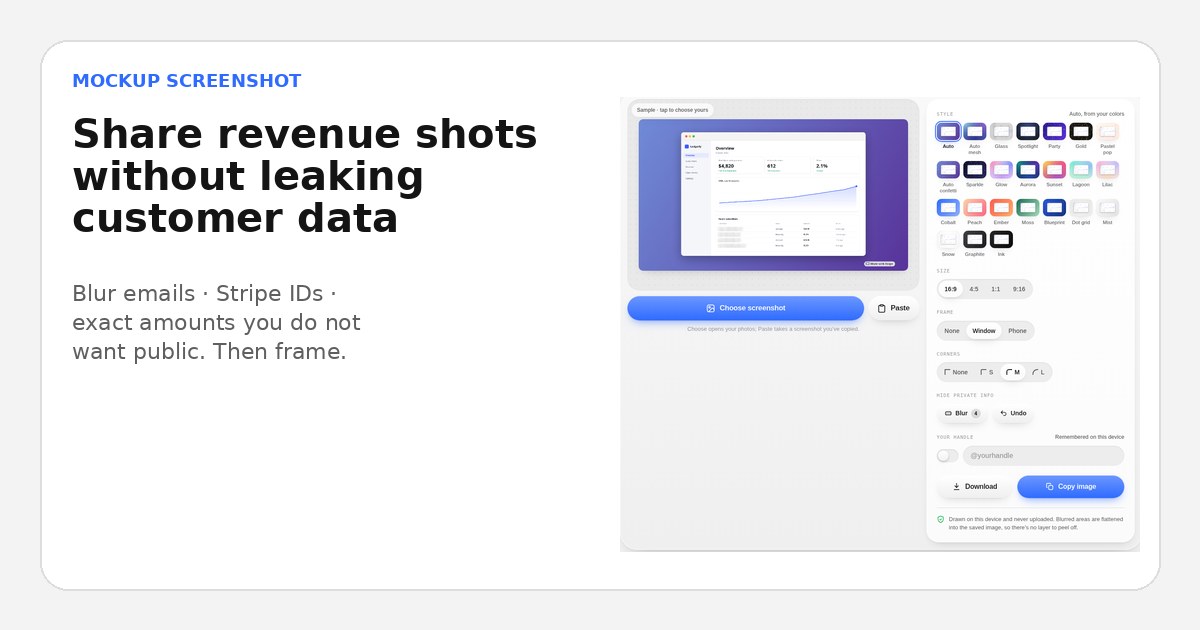
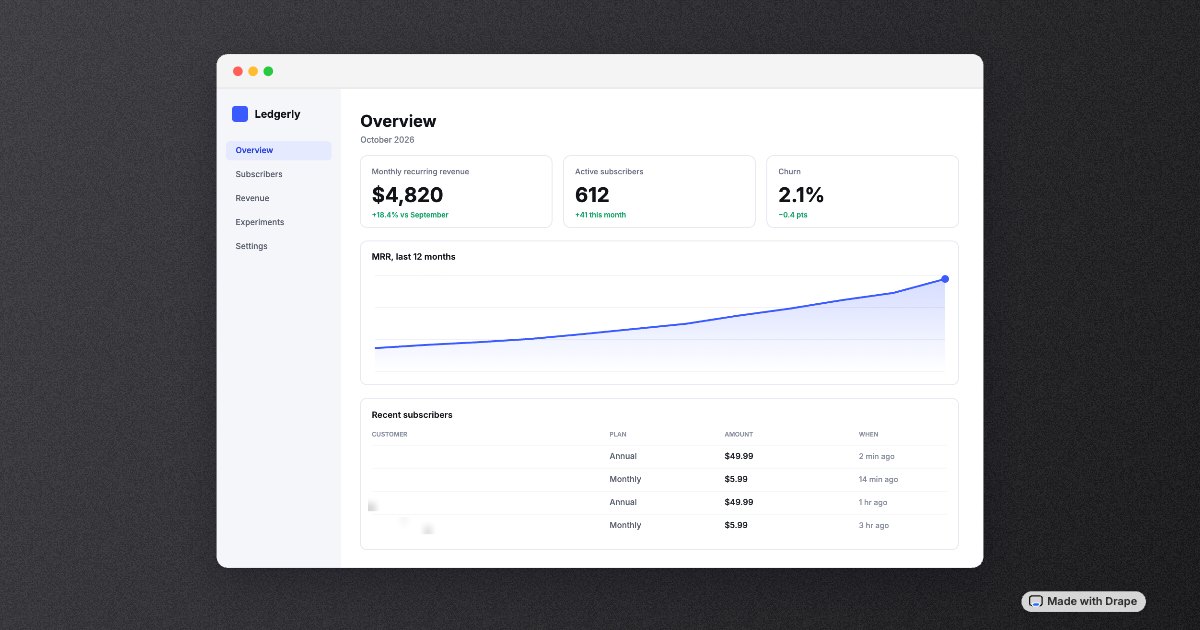
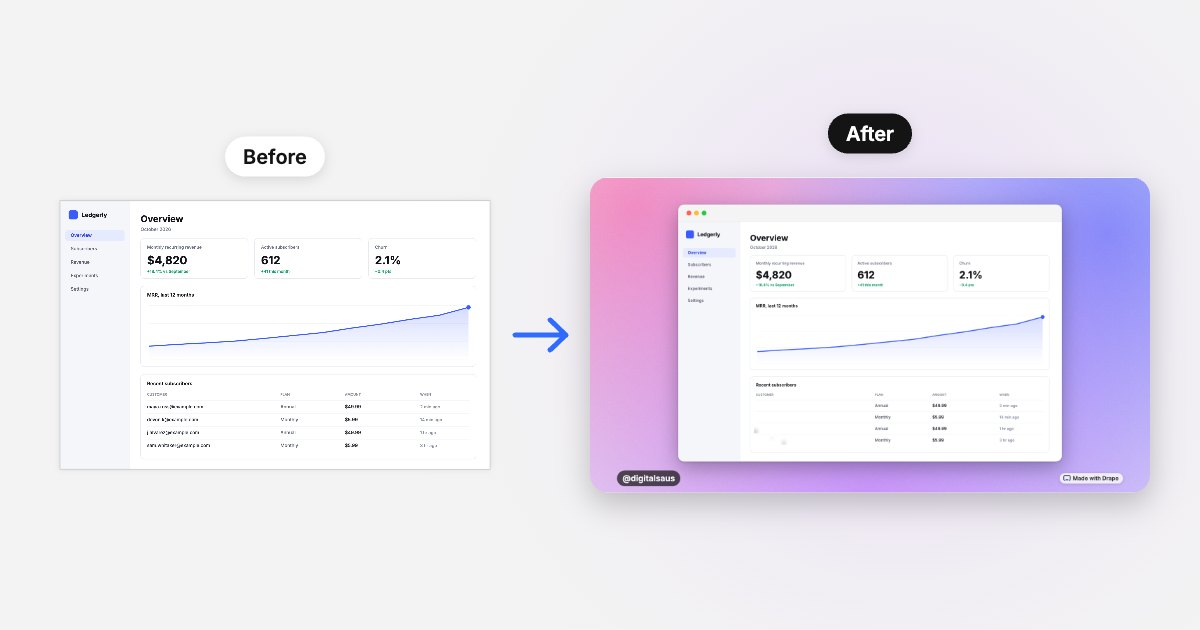
The short answer: take the dashboard screenshot, blur customer emails, Stripe IDs and anything else that is not yours to broadcast, then turn it into a clean mockup screenshot with a background and frame before you post. I do that on my phone in about 15 seconds with Drape — free, no upload.
I build in public from Melbourne at Digital Sauce. Screenshots are how indie hackers prove the work. They are also how customer emails end up on X by accident.
- Blur emails, Stripe IDs, keys and private tickets before you post.
- Prefer flattened pixelation or a hard crop — not a soft translucent overlay.
- Frame in Drape (16:9 / 4:5 / 1:1 / 9:16), then Share from your phone.
- Use Weft when the update is a screen recording instead of a still.
Open Drape — free mockup screenshots
Why are screenshots the currency of building in public?
A chart beats a paragraph. Followers trust a Stripe graph, an App Store rank or a support-thread win more than a vague “things are going well”. That is why mockup screenshot tools exist — and why a careless crop can do real harm to a customer who never agreed to be featured.
The job is not “make it pretty”. The job is “share the proof, keep their data offline”.
What should you hide every time?
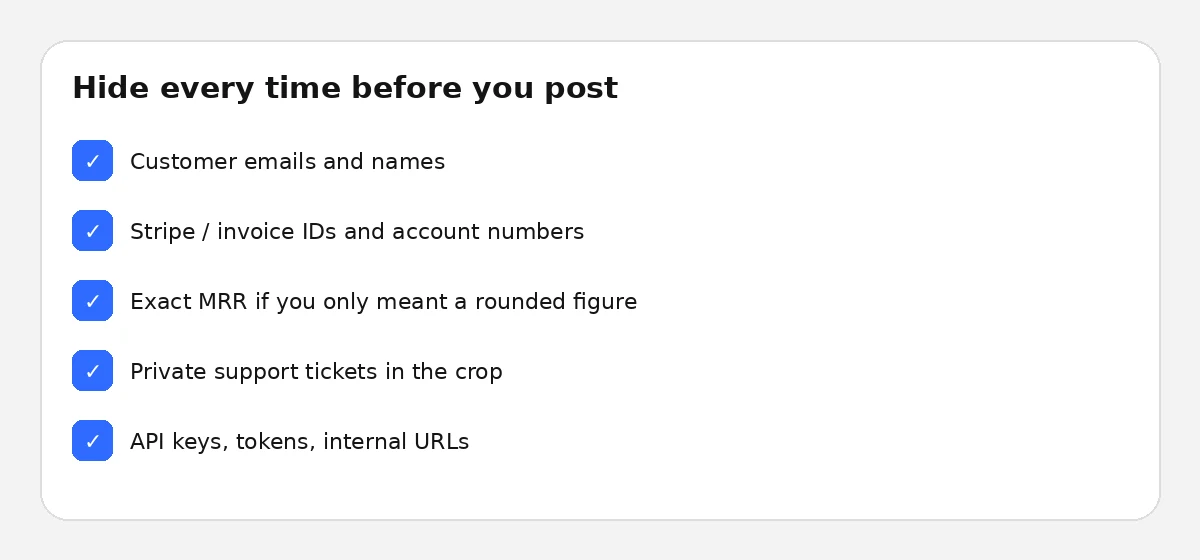
Before any build-in-public post, I run the same checklist. If it is not mine to publish, it gets blurred or cropped.
- Customer emails and names
- Stripe / invoice IDs and account numbers
- Exact MRR when I only meant a rounded milestone
- Private support tickets that landed in the crop
- API keys, tokens and internal URLs
Why can weak blur leak data — and what does Drape do differently?
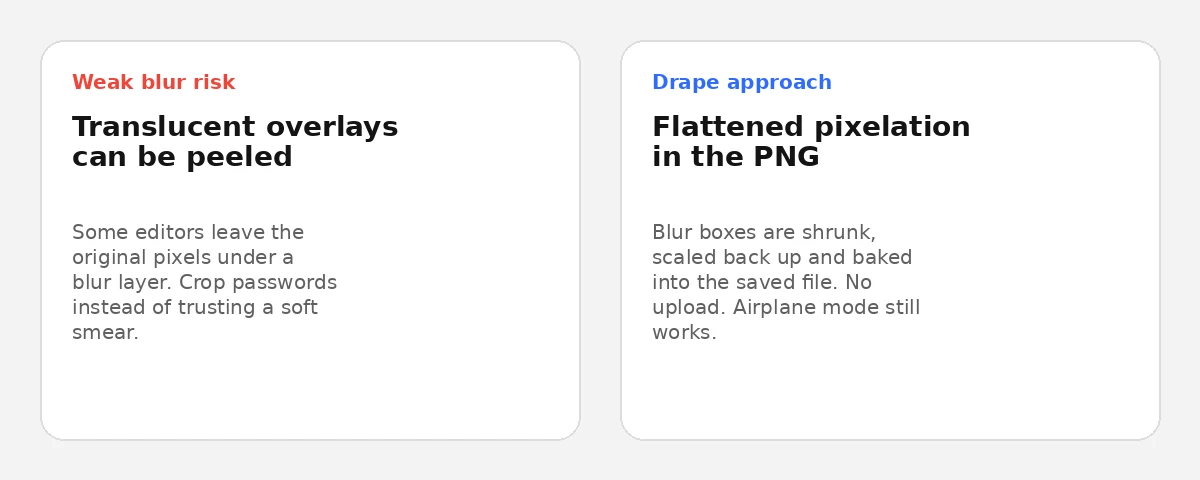
Some editors drop a translucent blur on top of the original pixels. Clever people (and simple contrast tricks) have recovered text from that kind of overlay. For passwords and keys, crop them out. For emails and amounts, use a blur that is actually baked into the file.
In Drape, blur boxes are shrunk to a few pixels, scaled back up and flattened into the saved PNG. There is no cloud round-trip: the page’s content security policy blocks other connections, and there are no analytics cookies. Full walkthrough: How to blur private info in a screenshot.
How do you make the mockup screenshot look good for each platform?
Once private bits are gone, add padding, a background that matches the shot and a window or phone frame so the chart does not look like a raw camera roll dump. Drape auto-picks colours from the screenshot and exports:
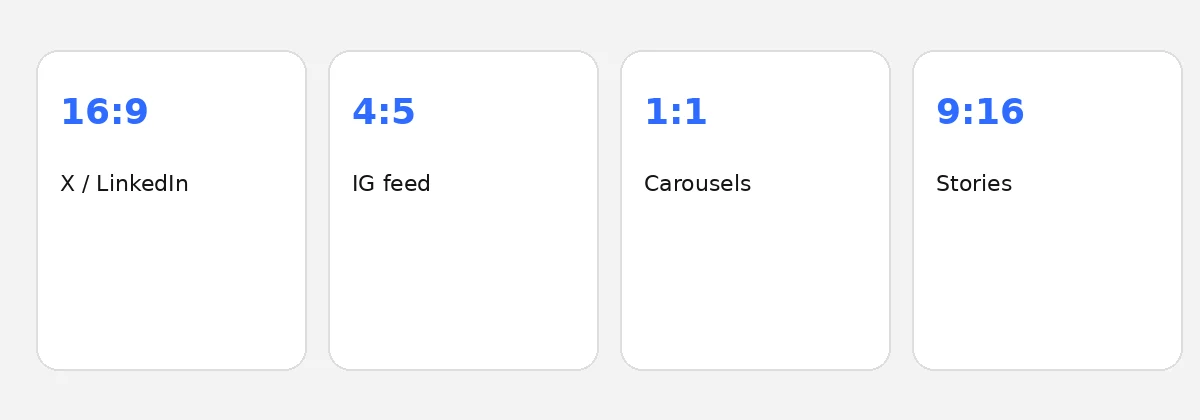
| Ratio | Pixels | Best for |
|---|---|---|
| 16:9 | 1600 × 900 | X and LinkedIn landscape |
| 4:5 | 1200 × 1500 | Instagram feed / X mobile |
| 1:1 | 1400 × 1400 | Square posts and carousels |
| 9:16 | 1080 × 1920 | Stories / Reels |
Quick pick (same facts as the table):
More polish tips: How to make screenshots look good for X and LinkedIn. Broader editor guide: Free screenshot editor.
What is the 15-second phone workflow?
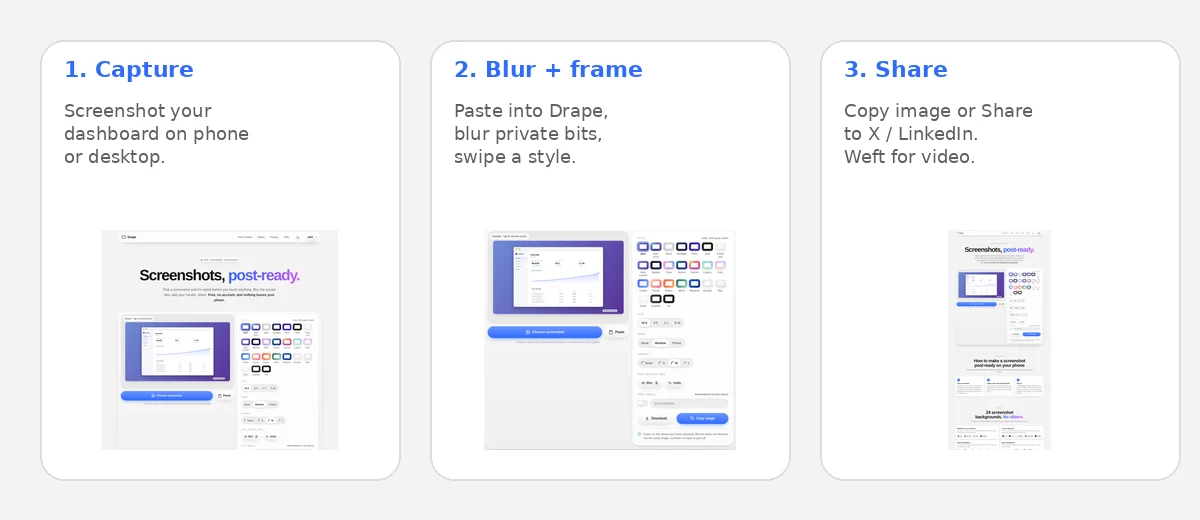
- Capture. Screenshot the dashboard on your phone or desktop.
- Blur + frame. Open drape.digitalsauce.io, Paste or Choose the shot, blur private bits, swipe a style.
- Share. Copy image or Share to X / LinkedIn. If the update is a recording instead of a still, use Weft.
Which free tools are worth using?
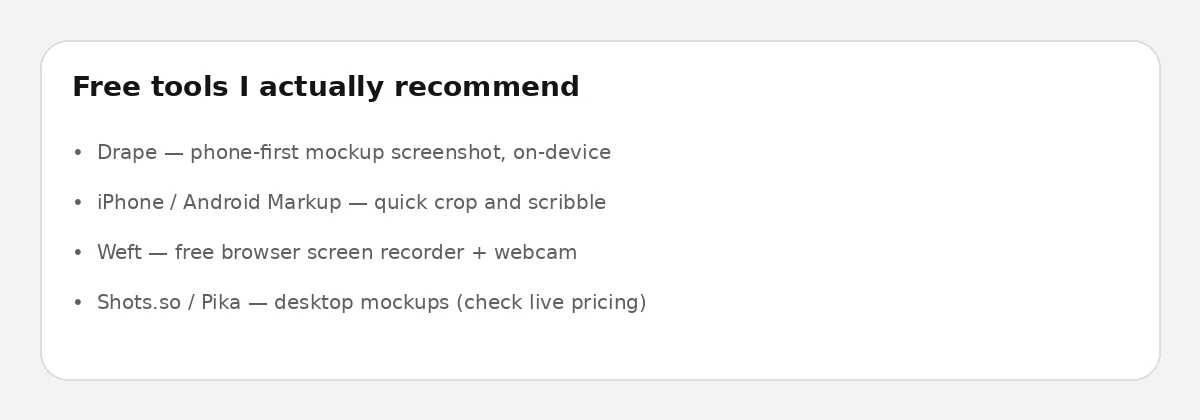
I only recommend free options here. As of Nov 2026, relevant desktop/web mockup tools for the same “make a screenshot look post-ready” job include Shots.so (their site markets free mockups) and Pika (pika.style lists Pro about US$15/mo or US$150/yr and a Lifetime plan at US$299, with free use that includes a small watermark) — hedged; verify current listings on their own sites before you pay. For free:
- Drape — phone-first mockup screenshot, on-device, blur + frames
- iPhone / Android Markup — quick crop and scribble
- Weft — free browser screen recorder with webcam
Your turn: what is your build-in-public posting workflow? The full guide lives on the Drape blog; if you saw the Indie Hackers post, reply there or ping me via development@digitalsauce.io — I read them.
FAQ
What should I blur on a revenue screenshot?
Blur customer emails and names, Stripe or invoice IDs, account numbers, private support tickets in the crop, API keys and internal URLs. Round or hide exact MRR if you only meant to share a milestone. In Drape, drag blur boxes or use the opaque pen so the area is flattened into the PNG.
Does Drape upload my mockup screenshot?
No. Drape reads, styles and saves the image in your browser on your device. There is no account, no backend upload and no analytics cookies. You can open the page, turn on airplane mode and keep editing.
Is a translucent blur safe enough?
Not always. Soft overlays can leave original pixels recoverable. Prefer pixelation that is baked into the file, or crop the private area out entirely. Drape shrinks blur regions and scales them back up before flattening. For passwords and keys, crop.
What size should a mockup screenshot be for X or LinkedIn?
Use Drape’s 16:9 export (1600 × 900) for X and LinkedIn landscape posts. Use 4:5 for Instagram feed, 1:1 for square carousels and 9:16 for Stories.
What free tools do you recommend besides Drape?
iPhone or Android Markup for quick crops and scribbles, and Weft (weft.digitalsauce.io) for free browser screen recordings with a webcam. As of Nov 2026, Shots.so markets free mockups on shots.so, and Pika (pika.style) lists Pro about US$15/mo or US$150/yr (Lifetime US$299) with free watermarked exports — verify live on their sites before you pay.
- Sources checked 5 Nov 2026 (Australia/Melbourne): Drape, Drape llms.txt, Weft, Apple iPhone Markup. Competitor desktop tools named for As of Nov 2026, competitor notes use facts from shots.so and pika.style only — verify live.
- Related: Blur private info · Make screenshots look good · Free screenshot editor · Tweet screenshot generator · Drape blog.
Ask AI about this guide
Opens your assistant with a question about this page, answered from it.